 Swipe
SwipeClean your camera roll one swipe at a time.
Swipe left to delete, right to keep. Swipe shows how much space each photo frees, finds duplicates, and deletes nothing until you confirm.

Free for iPhone and iPad with iOS 16 or later.
From full storage to a lighter library
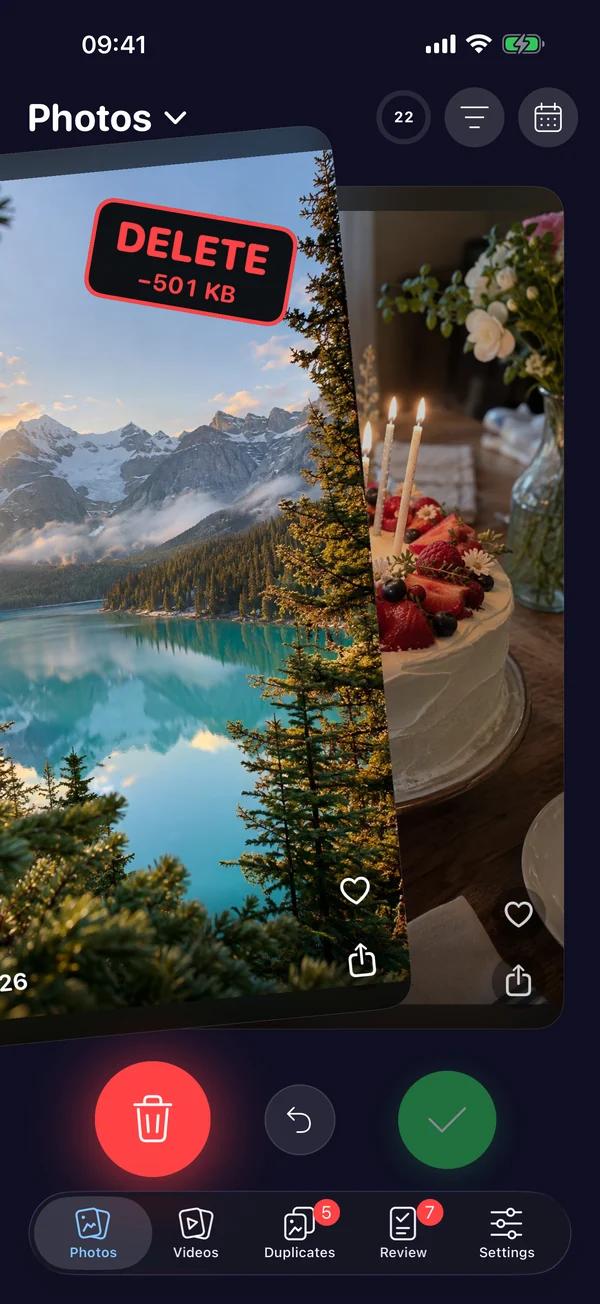
Swipe
Every photo gets one decision: keep it or let it go. The stamp shows the space you'll get back.
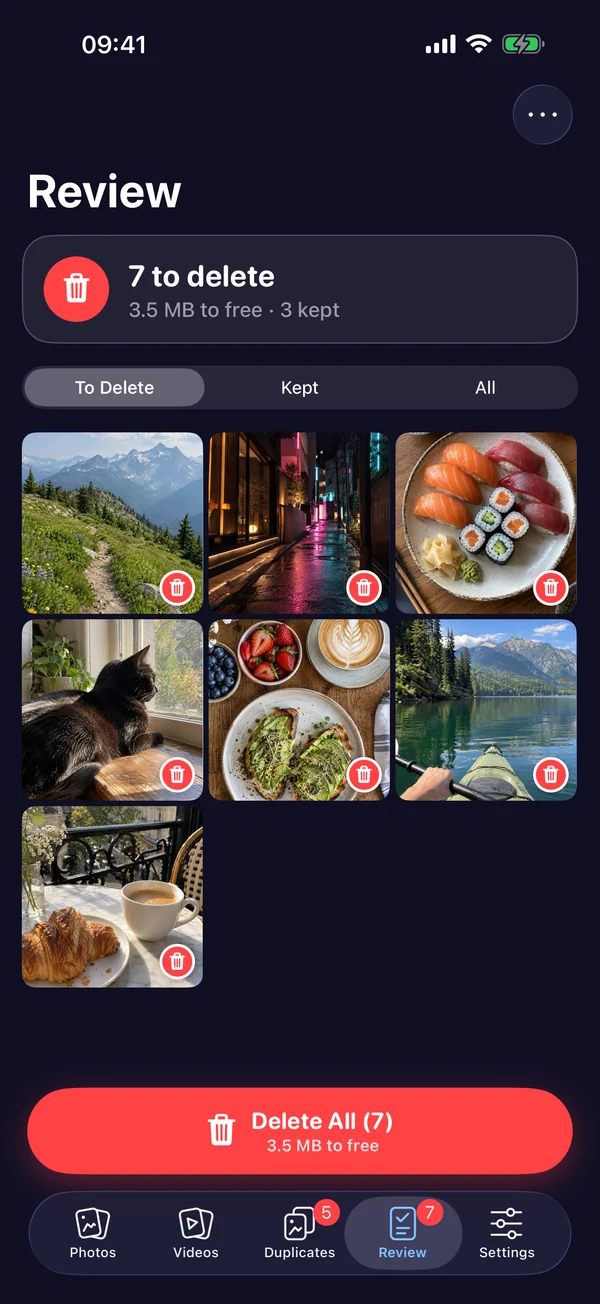
Review
Everything you swiped left waits in Review, so you can change your mind before anything is gone.
Delete
Confirm once and the space is yours. iOS keeps deleted photos in Recently Deleted for 30 days.
Made for big photo libraries
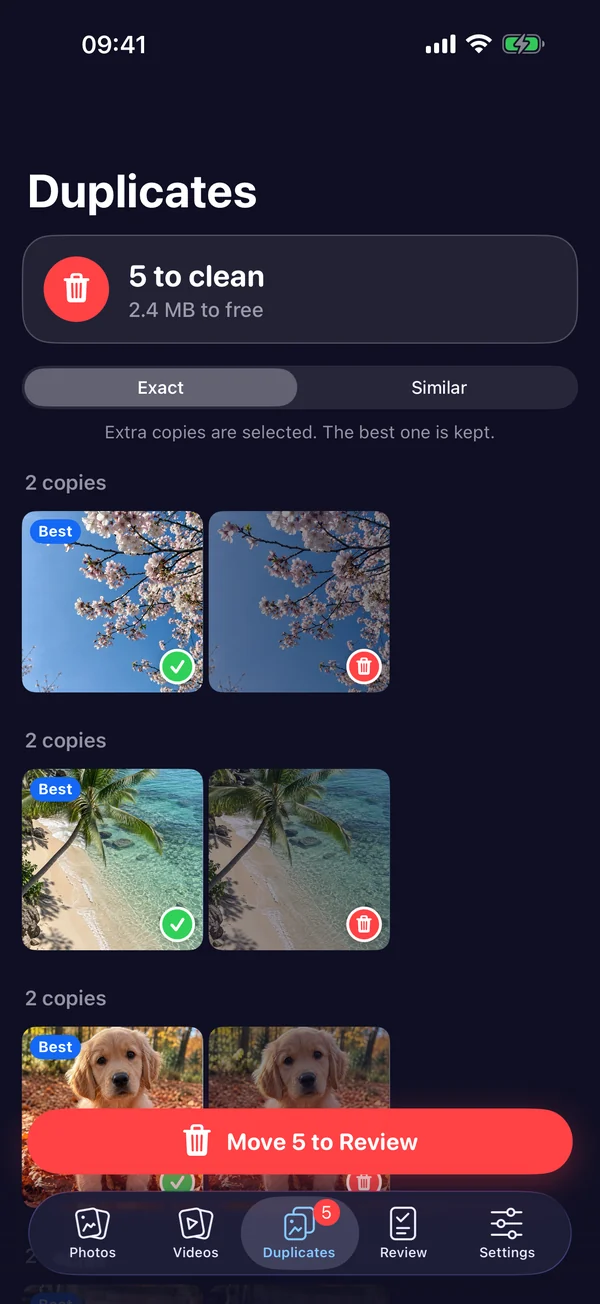
Find duplicates
Swipe spots exact copies and burst shots, keeps the best one, and sends the rest to Review. Free for everyone.
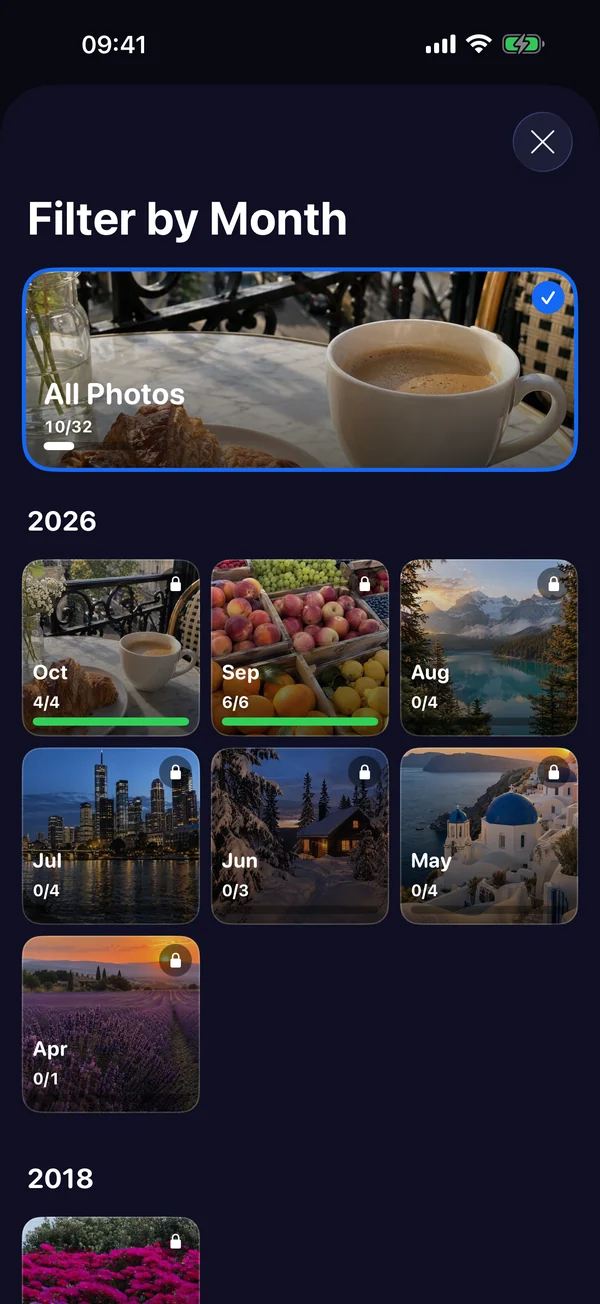
Clean by month or album
Jump to last summer, a trip, or any album, and see how much of it you've already sorted.
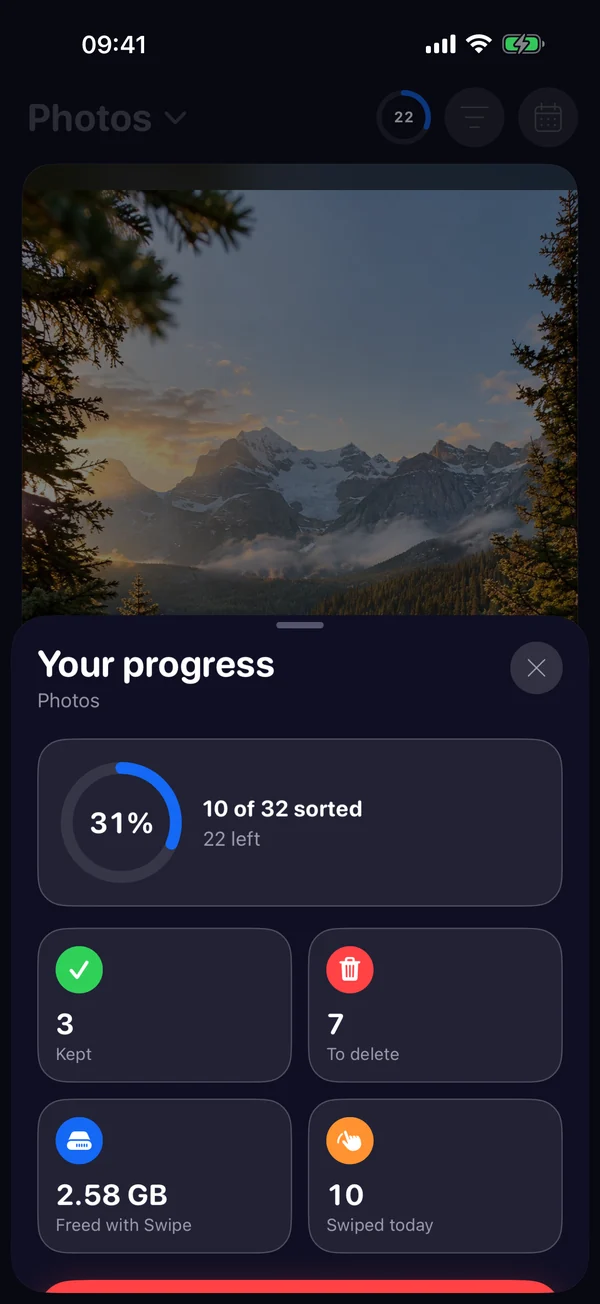
See your progress
Track what you kept, what's waiting to be deleted, and every gigabyte you freed.
Private by design
Your photos are sorted on your iPhone. Swipe never uploads them.
Your photos stay on your iPhone.
Swipe works with your photo library directly on your device. Nothing is uploaded, and nothing is deleted until you confirm in Review.
Questions
How do I free up storage on my iPhone quickly?
Open Swipe, swipe left on the photos you don't need, then confirm in Review. Videos and duplicates usually free the most space, and Swipe shows the size of each photo as you go.
Is Swipe free?
Yes. Swiping, reviewing and finding duplicates are free. Premium adds extras such as sorting by the largest files first.
Can I get a photo back after deleting it?
Yes. Deleted photos go to the Recently Deleted album in the Photos app, where iOS keeps them for 30 days.
Does Swipe upload my photos?
No. Swipe sorts your library on your iPhone and never uploads your photos.
Which devices does Swipe work on?
Any iPhone or iPad with iOS 16 or later.
Your next free gigabyte is a few swipes away.
Download Swipe and clean up your camera roll today.